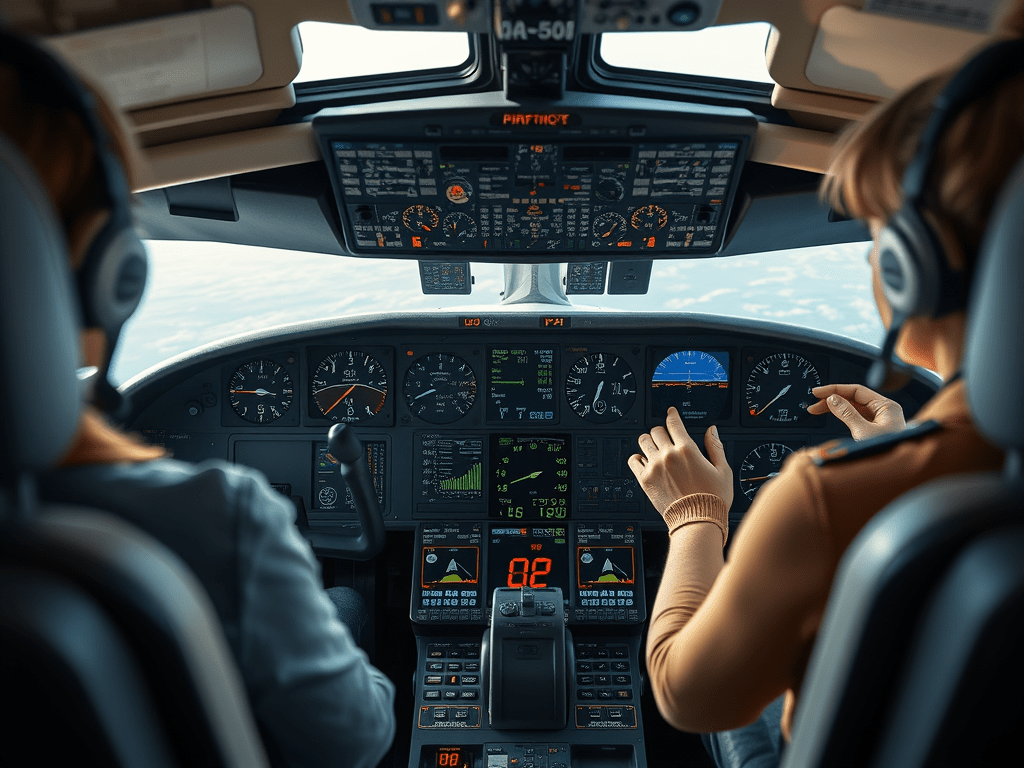
Greetings passengers! It’s Miss Star, the air hostess, at your service again. Now that we have already taken off and have some time to spare before we land, I wanted to show you around the place where all the magic happened. Follow me. The instant one enters the cockpit, there is a sense of precision, focus, and professionalism.
“Good day, Captain. I am showing the passengers around the cockpit, but I do not possess much knowledge regarding the same. Before my excitement comes to knot, could you aid me?”
“Of course! My pleasure, anything for the sweet passengers.” The Captain said with a smile. The first thing that caught my eye was the vast array of instruments on a glass screen, and that was what the Captain started his explanation with.
“This is the Primary Flight Display, or PFD,” he explained. “It shows all the essential flight information: airspeed, altitude, the attitude of the plane (which tells us our flying level), and our heading or direction.”
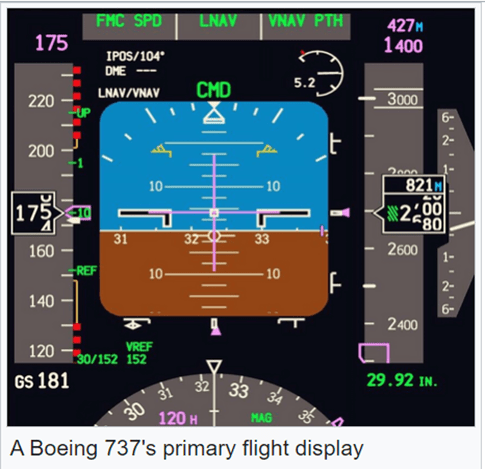
Here are some of the main components:
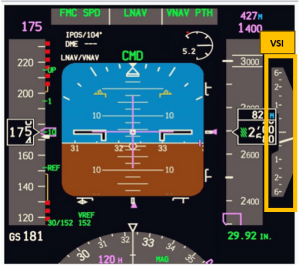

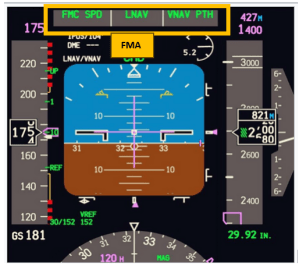
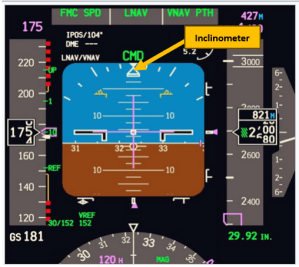
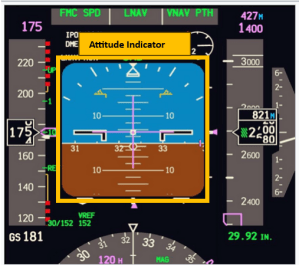
- Attitude indicator or artificial horizon. This displays the aircraft’s orientation relative to the horizon. A blue section represents the sky, and a brown section represents the ground. The pitch ladder shows degrees of climb or descent. Bank angles are marked in degrees for easy reference during turns.
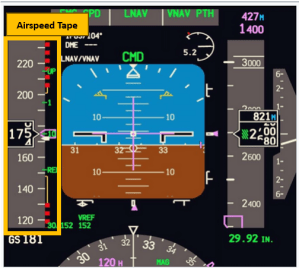
- Airspeed tape. Shows current airspeed in knots. The colored bands indicate speed limits (e.g., stall speed in red, flap-operating range in white, normal operating range in green). Target speeds for takeoff, climb, cruise, or landing may be displayed here.
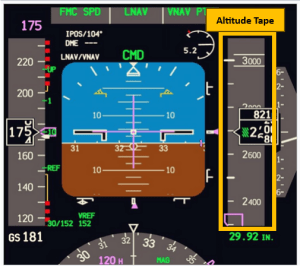
- Altitude tape. This displays the aircraft’s current altitude above sea level. The color-coded bands warn of altitude constraints or terrain proximity.
- Vertical speed indicator (VSI). It shows the rate of climb or descent in feet per minute (fpm). A needle or digital readout indicates whether you are climbing or descending.
- Heading Indicator (Compass). It shows the aircraft’s heading relative to magnetic north.
- Flight mode annunciator (FMA). It indicates the active and armed modes of the autopilot, flight director, and auto-throttle systems. For example, it may display modes like LNAV (Lateral Navigation), VNAV (Vertical Navigation), or Altitude Hold.
- Slip/Skid Indicator (Inclinometer). It ensures coordinated flight by showing lateral forces on the aircraft. It works on a ball in a tube mechanism. The deflection in the ball’s position indicates slip or skid accordingly.
“Now, meet my best friend during long flights – the autopilot system. Once we reach cruising altitude, we can set the plane to fly on its own based on pre-set parameters. It’ll maintain the altitude, heading, and even speed.”
I asked, “So does that mean you’re mostly supervising once the plane is in the air?”
“Yes, in a way,” the captain said, “but we’re always ready to take manual control if needed. The autopilot makes long flights easier, but we’re constantly monitoring the systems, communicating with air traffic control, and preparing for landing.”
“I see. Captain, what do you use to steer the plane?”
He pointed to the yoke, which resembles a steering wheel, and the throttle levers. “The yoke is used to control the plane’s pitch and roll. If we pull it back, the plane climbs, and if we push it forward, it descends. Turning the yoke left or right rolls the plane in that direction, allowing us to make turns. Also, the pedals are used for rudder control.”
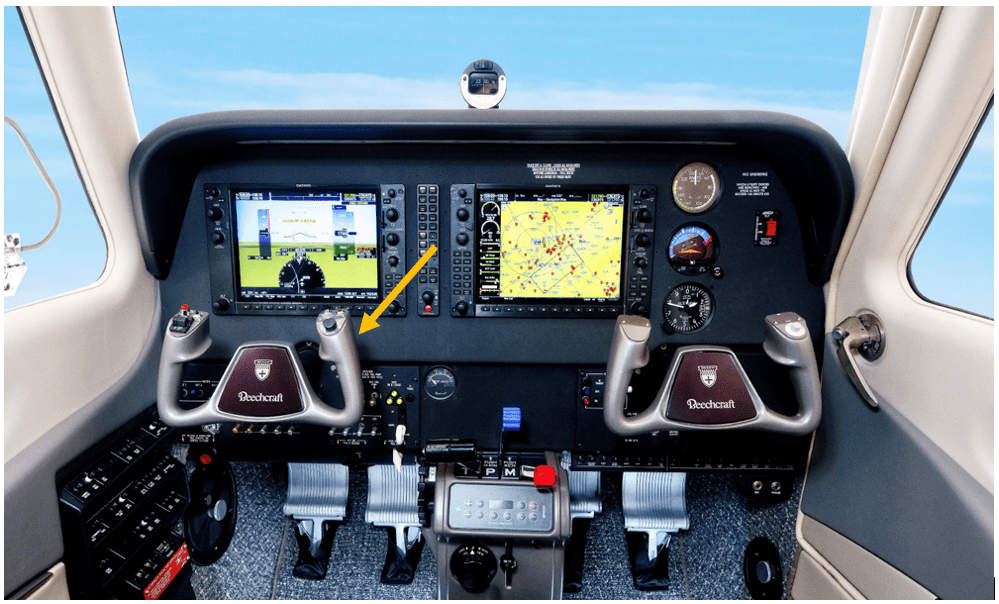
The cockpit was a hub of complicated systems designed to ensure the safest journey. So, my dear passengers, sit back, relax, and enjoy the rest of the flight!
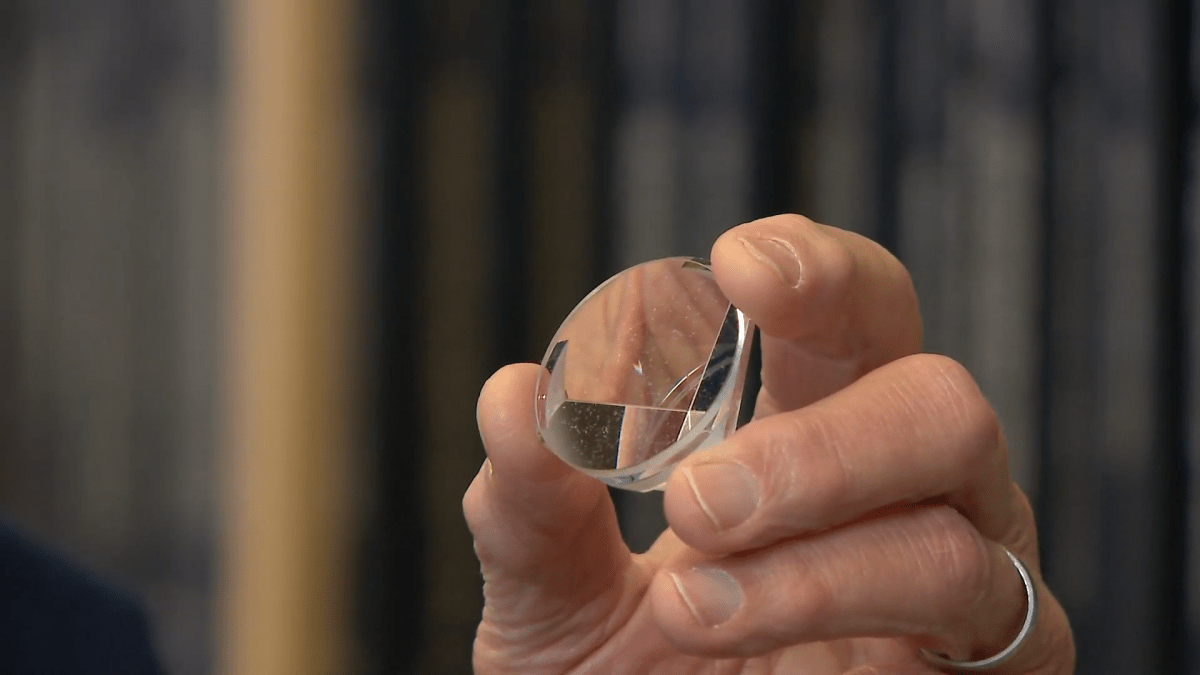




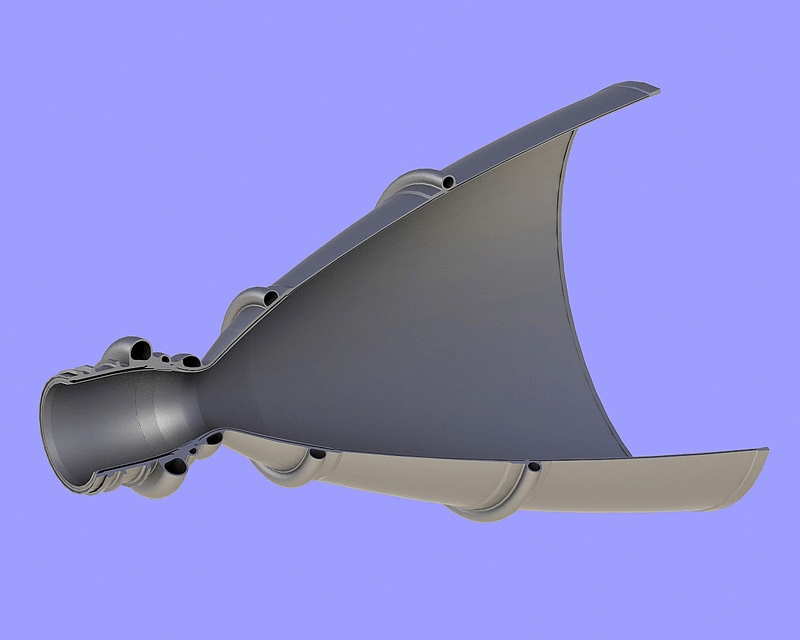







 Not Rocket Science!
Leave a comment